Metallic Foil
Soft. Reflective. Bold.
Nothing says luxury quite like metallic foil.
Give your cards an extra special touch with shiny metallic foil. Foil has a highly reflective finish that’s as eye-catching as it is elegant.
We offer a variety of foil colors that are perfect for high-end business cards and extravagant invitations alike. Choose from classics like gold and silver, vibrant colors including red and green, and even holographic iridescent.
Pair with one of our Metallic Edge colors for an all-around shine they won’t forget.
- Reflective Foil contrasts beautifully with matte Soft Touch cards
- Digital Foil is flat with a crisp, clean application
- File setup is easy
Foil is available only on Soft Touch laminated cards, which provides the perfect contrast with the ultra-matte background and the shine of the foil.
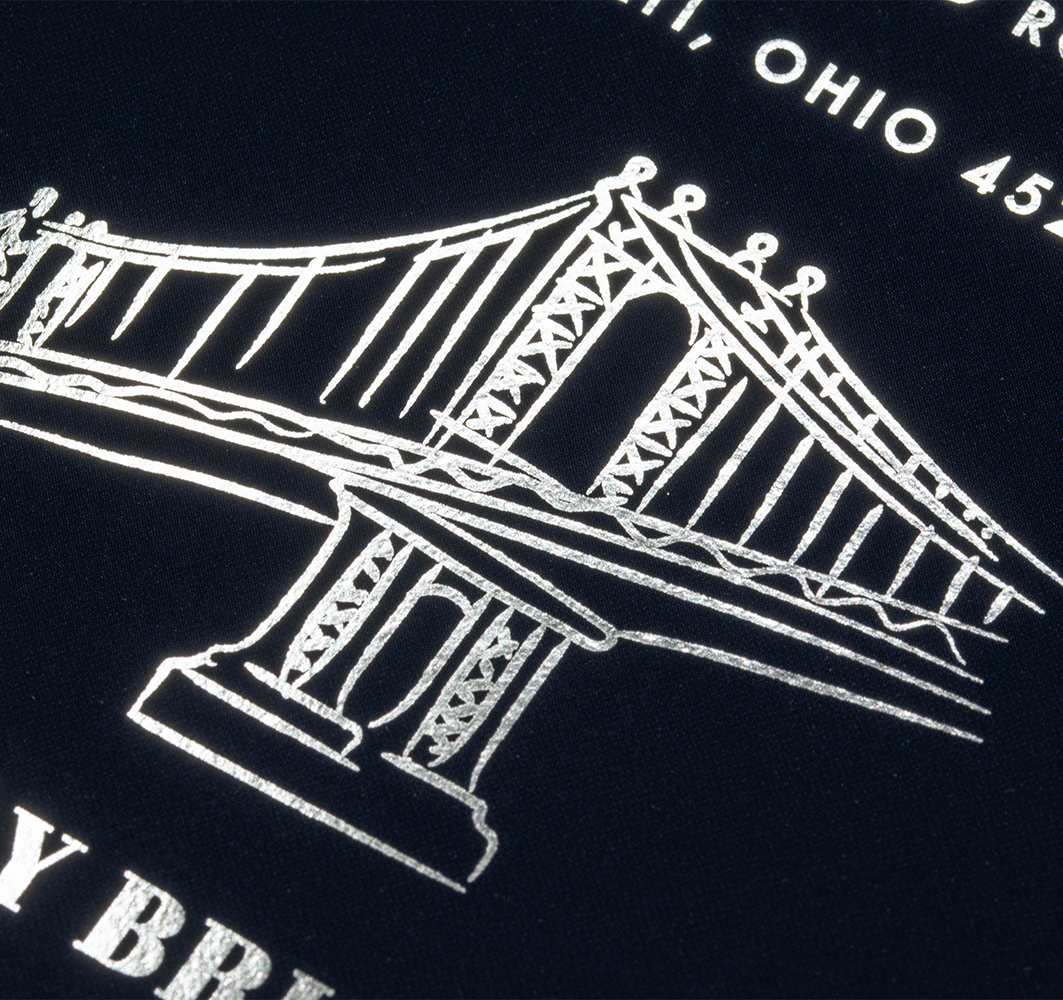
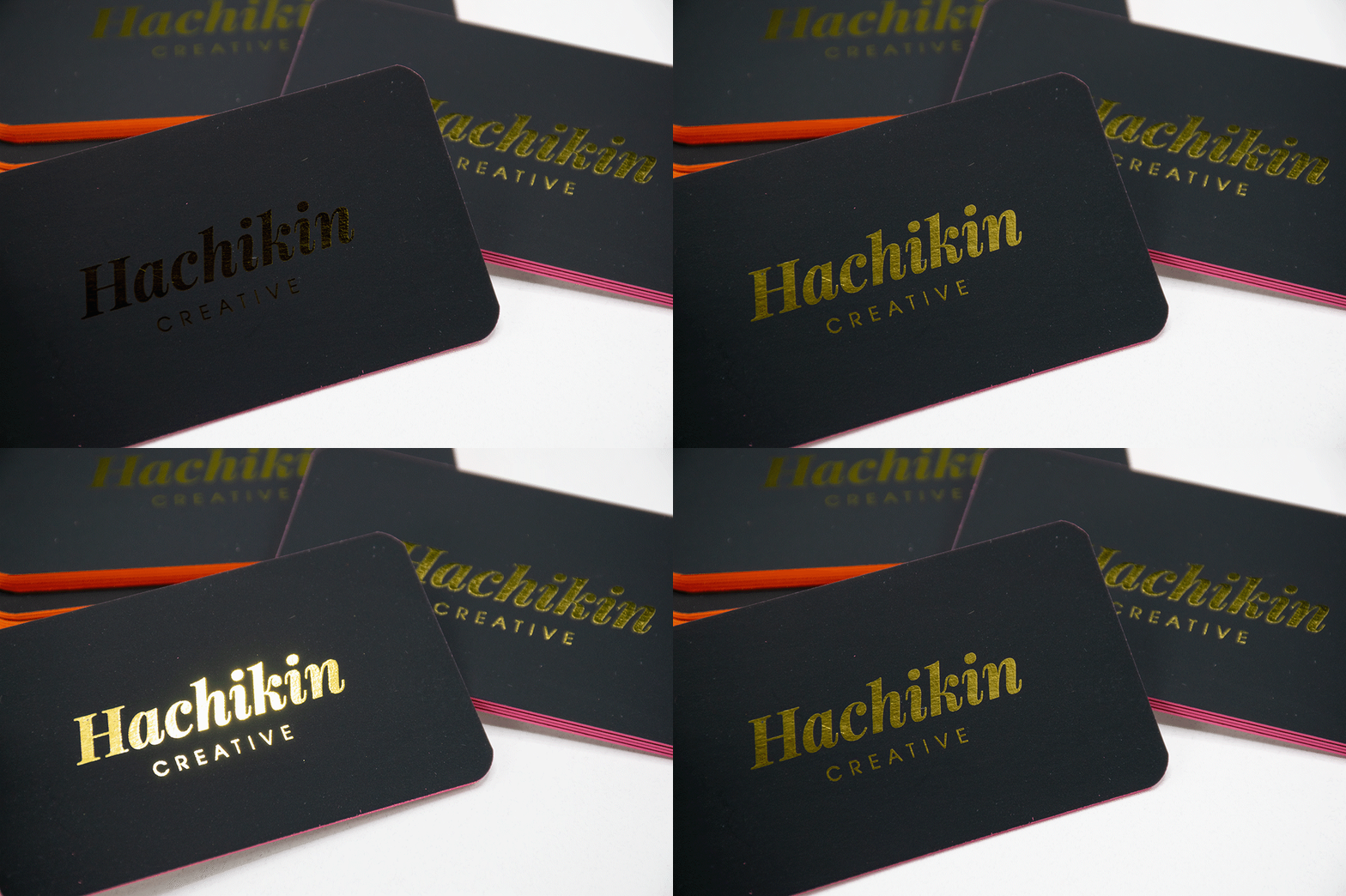
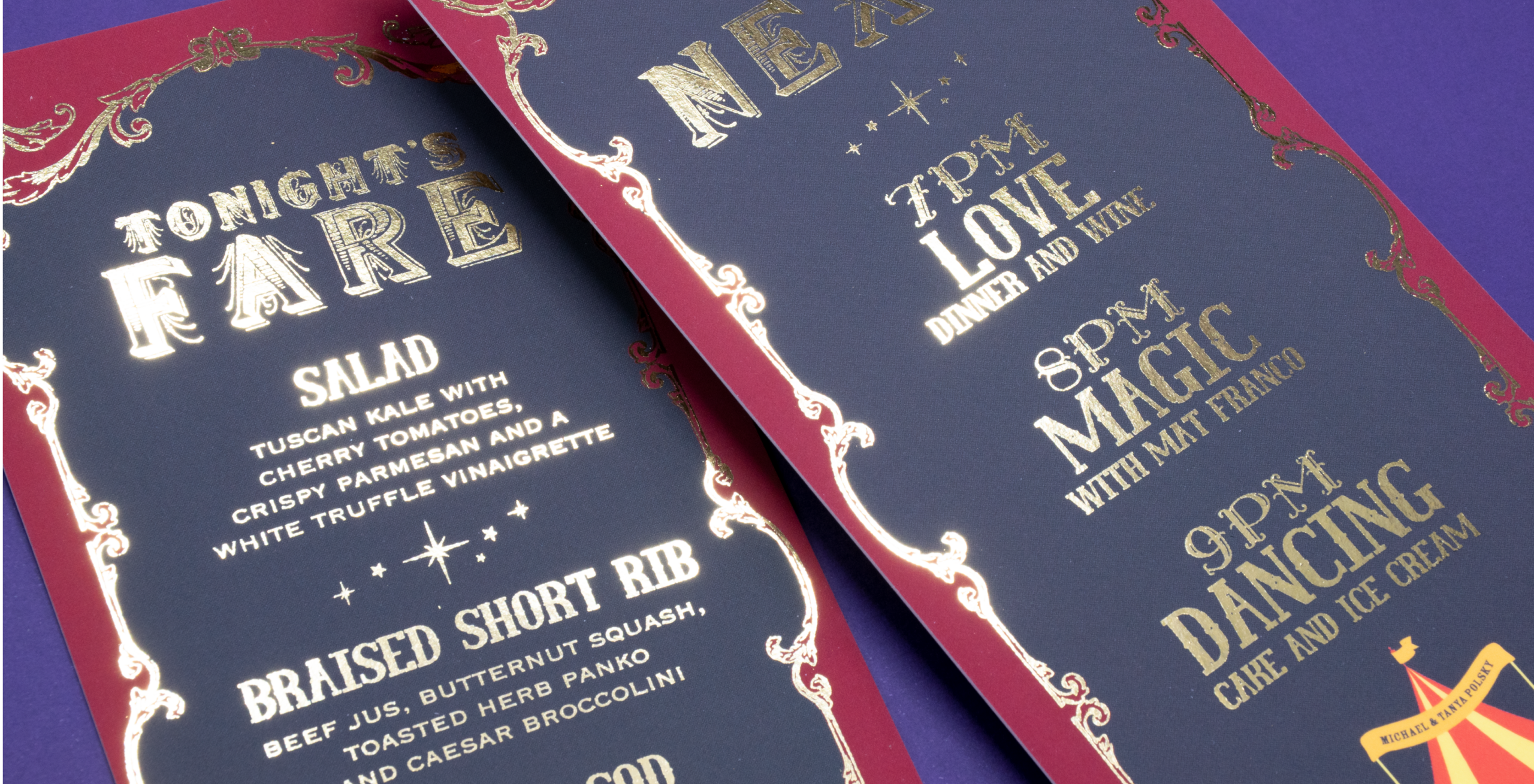
Our Foil Colors
*colors may not appear exactly how they do on screen
BLACK ON BLACK
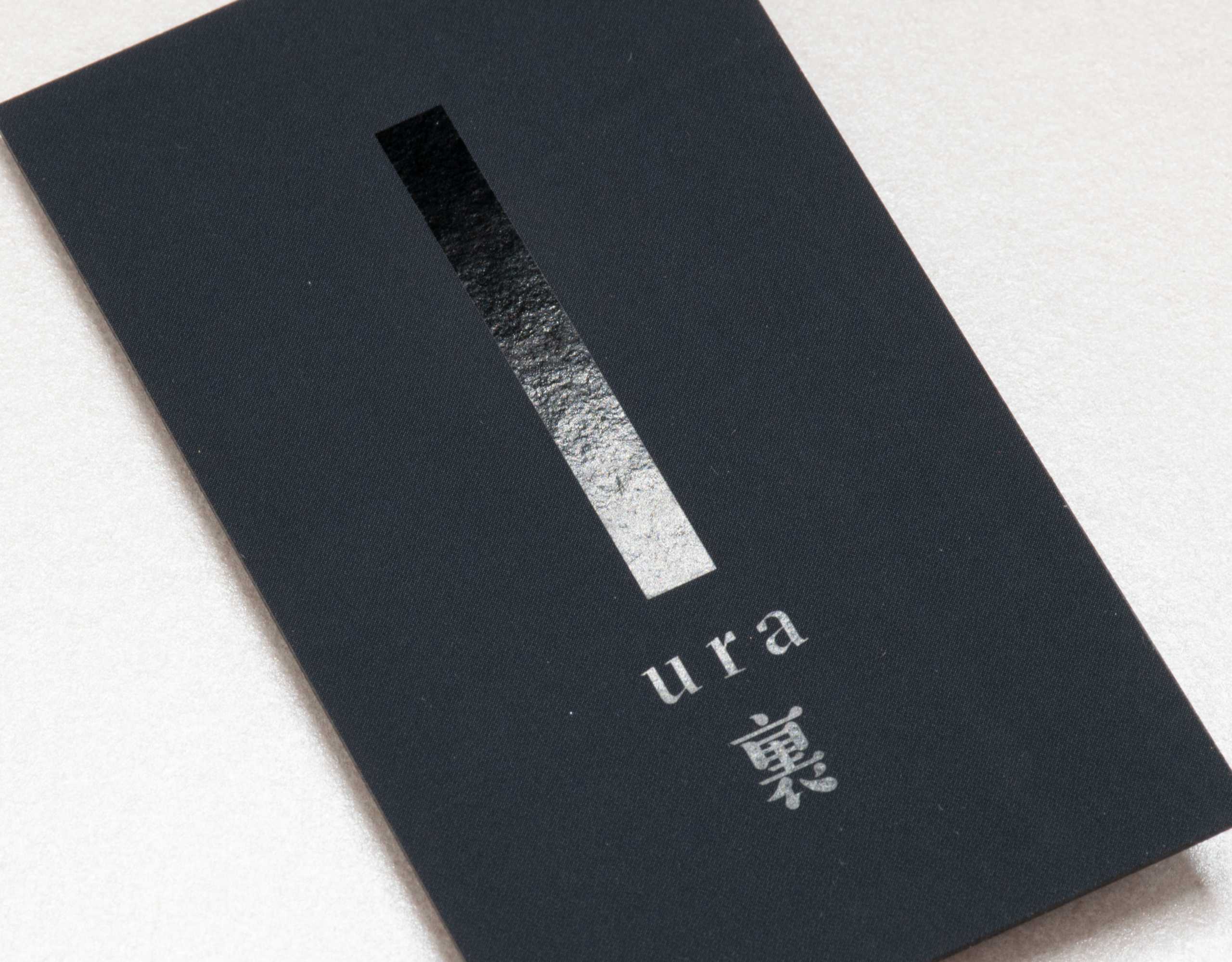
Looking for something elevated but subtle? Clear foil can be used for a sophisticated black-on-black effect.
When clear foil is added to a black background it creates a deep, rich black area that’s reflective when held to the light. This results in an understated yet mesmerizing effect that invites further interaction with the card.
Foil is flat and has a super clean application for a sleek and streamlined all-black card.
Go all-in and finish the card with a matching black edge color or add a bright pop of color for a bold contrasting edge.
Have Questions About Our Metallic Foil?
-
What is foil?
Our foil is a flat, highly reflective finish that can be added to Soft Touch cards.
-
Is Foil raised or stamped?
Our foil is flat. We use a digital foiling process, which results in a flat print. This is different from traditional foil stamping which impresses the foil design into the paper. We currently do not offer any stamped/debossed or raised/embossed foil options.
-
What papers can foil be used with?
Foil can only be added to Soft Touch laminated stock.
-
Can foil be added to both sides of a card?
Yes, foil can be added to both sides of most cards. However 18pt cards can only have foil on one side.
-
Can more than one foil color be added to a card?
No, only one foil color can be added to a card.
-
Can foil work with any design?
Foil works best on logos, text, and small graphics. Foil is not ideal for very large solid areas or for extremely thin lines/small details. If you have any questions about your design please email us.
-
How do I prepare files for foil?
Please prepare two separate files: one for the non-foil elements (background, etc.) and one for the foil elements.
Change the foil elements to black (CMYK 0/0/0/100).
If you have a mockup of how the final card should look feel free to include it for reference.Technical Info
Foil does not register perfectly with the flat printing. Please keep this in mind when designing your card. Try to avoid designs where the Foil needs to align perfectly with anything that’s digitally printed like other text or a background image.Foil is not ideal for very thin lines. Anything thinner than about 0.5pt is too narrow for the foil to adhere to. Adversely, any negative space smaller than about 0.5pt also could be filled in with foil. Please try to keep all lines and details, including negative space, at least .5pt wide.
We cannot use foil for variable data printing.
Foil cannot be added to 80# Text weight stock.
Metallic foils are slightly different from our metallic edge colors. -
What is the turnaround time for foil cards?
Foil adds about 1-3 days to the production time. Most Foil orders will take about 5-7 business days in production.
Orders with Foil can be expedited however will take a minimum of 5 business days.
File Preparation
4-Color Print

Foil (100% Black)

Final Design

Please prepare two separate files: one for the non-Foil elements (backgrounds, etc.) and one for the Foil elements.
Change Foil elements to black (CMYK 0/0/0/100). Submit what your final design looks like so we know the placement of the Foil elements.