Die Cut
Let Out your Creativity
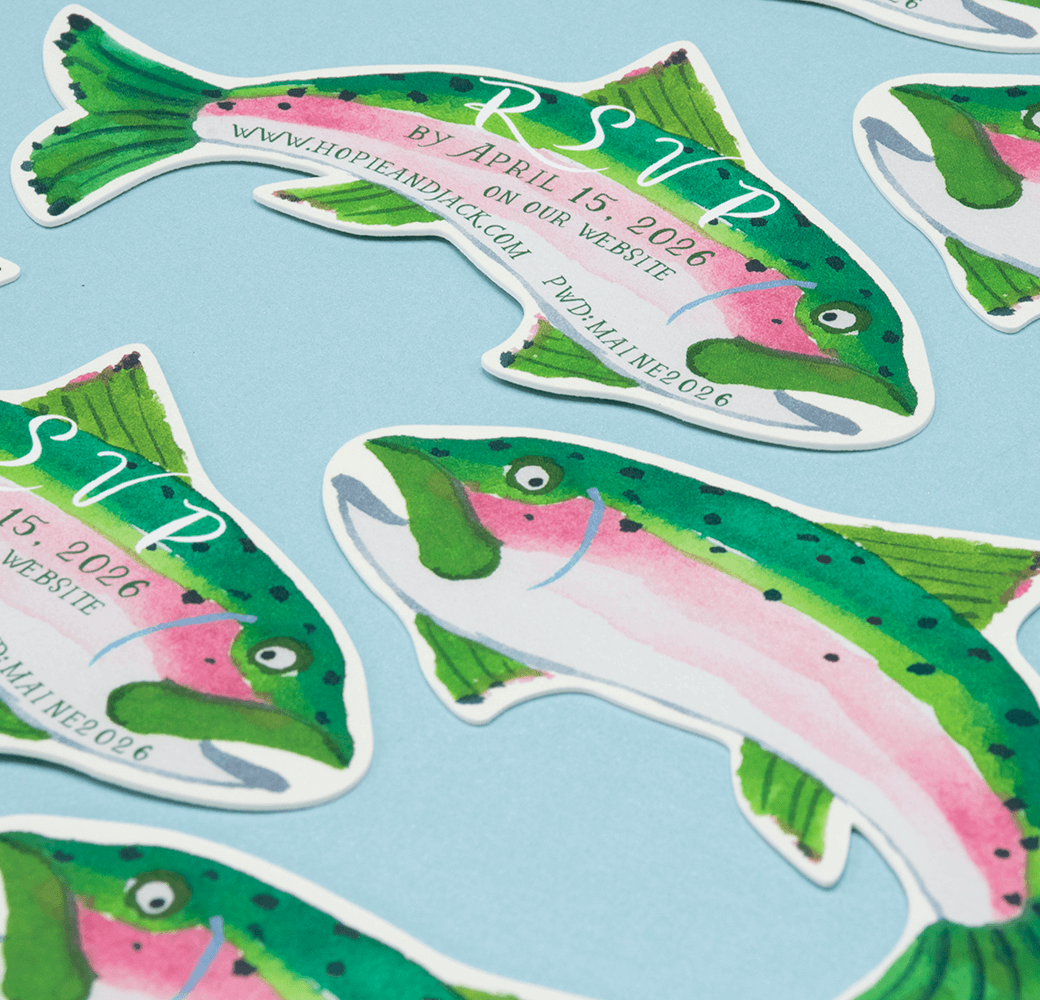
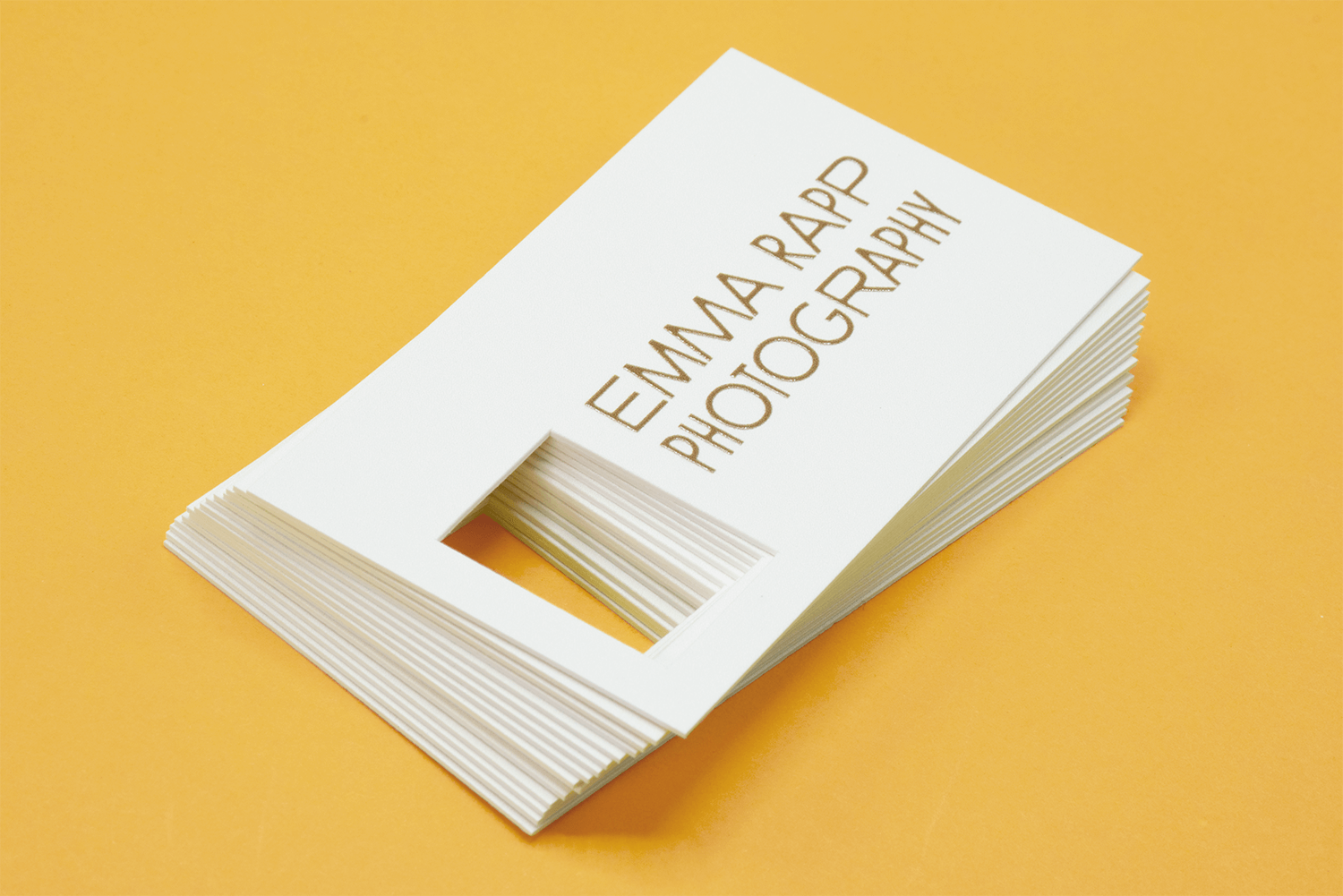
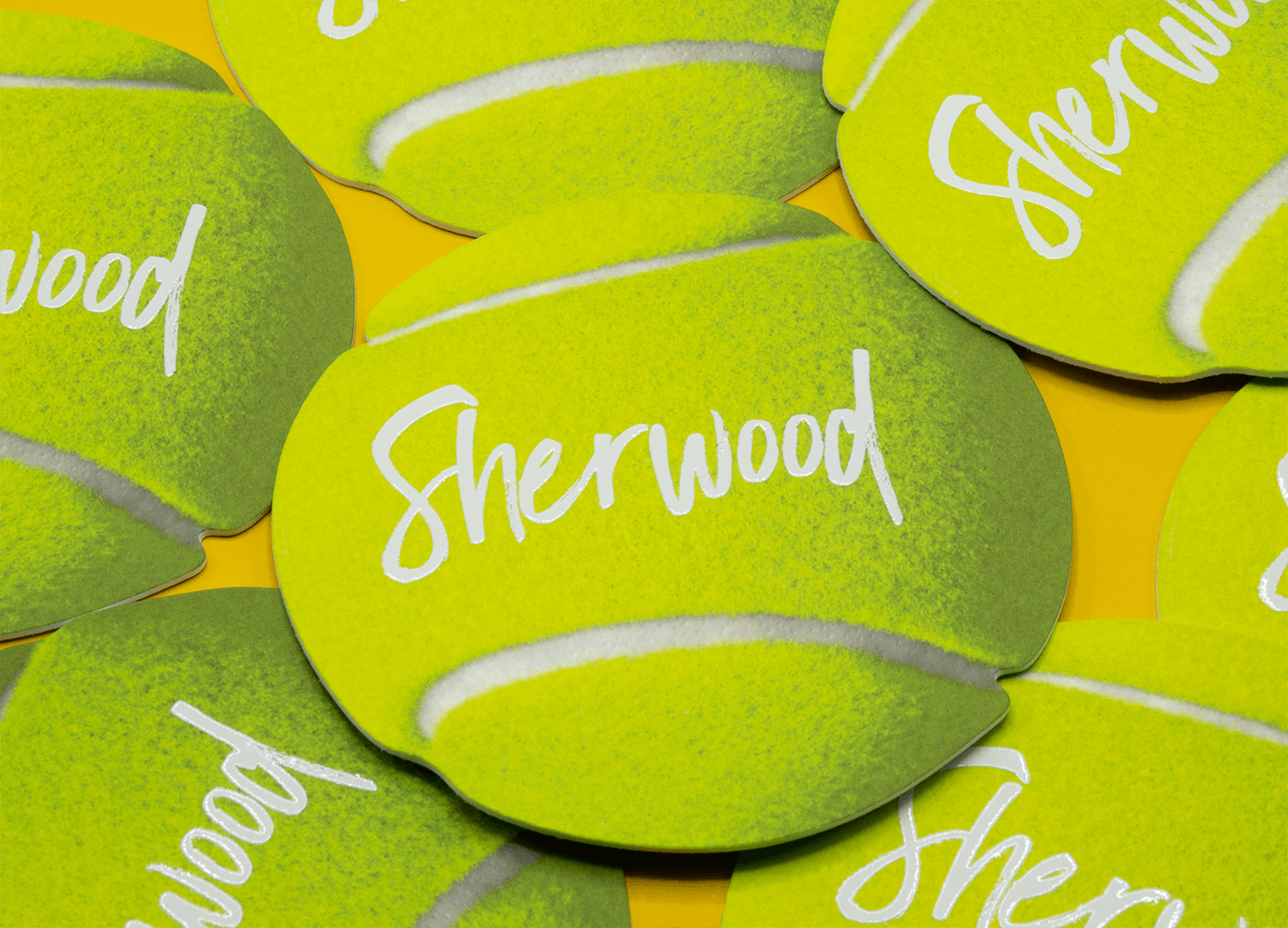
Have a fun idea for a non-square card? It might just be possible to die cut. We offer digital custom cutting which allows you to cut cards into practically any shape.
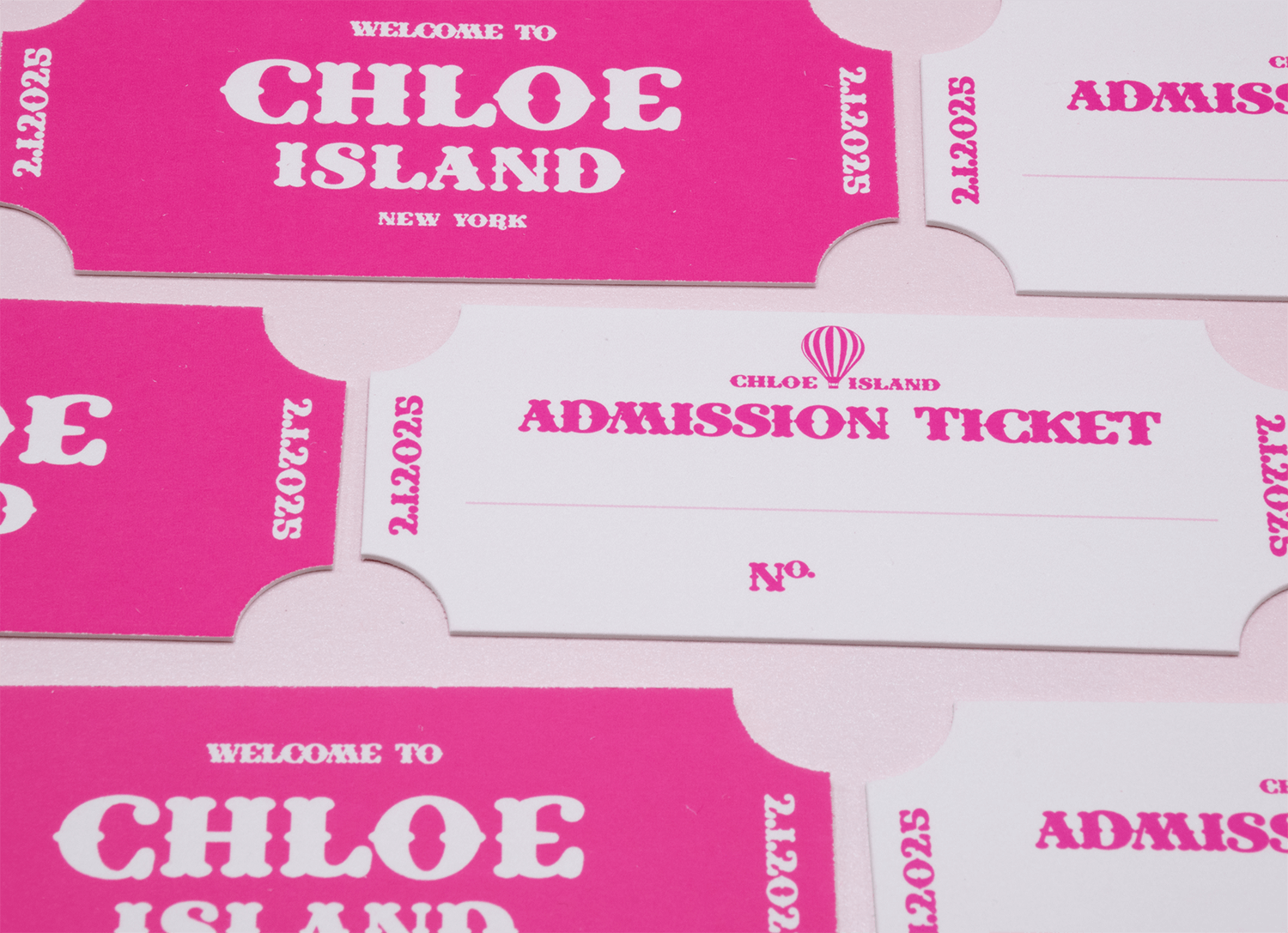
- Custom shaped invites and inserts
- Business cards with a cutout logo
- Product tags and packaging
Use any of our Classic or extra thick Premium papers at any size you need. You can also pair with other specialty finishes like Raised Ink, Spot UV, Foil, Scoring.
We love to see all the creative designs our customers come up with and are happy to work with you to make your vision a reality.
If you’re unsure of a design idea send us an email! We’re happy to take a look and let you know what’s possible.
Die Cut & Edge Color
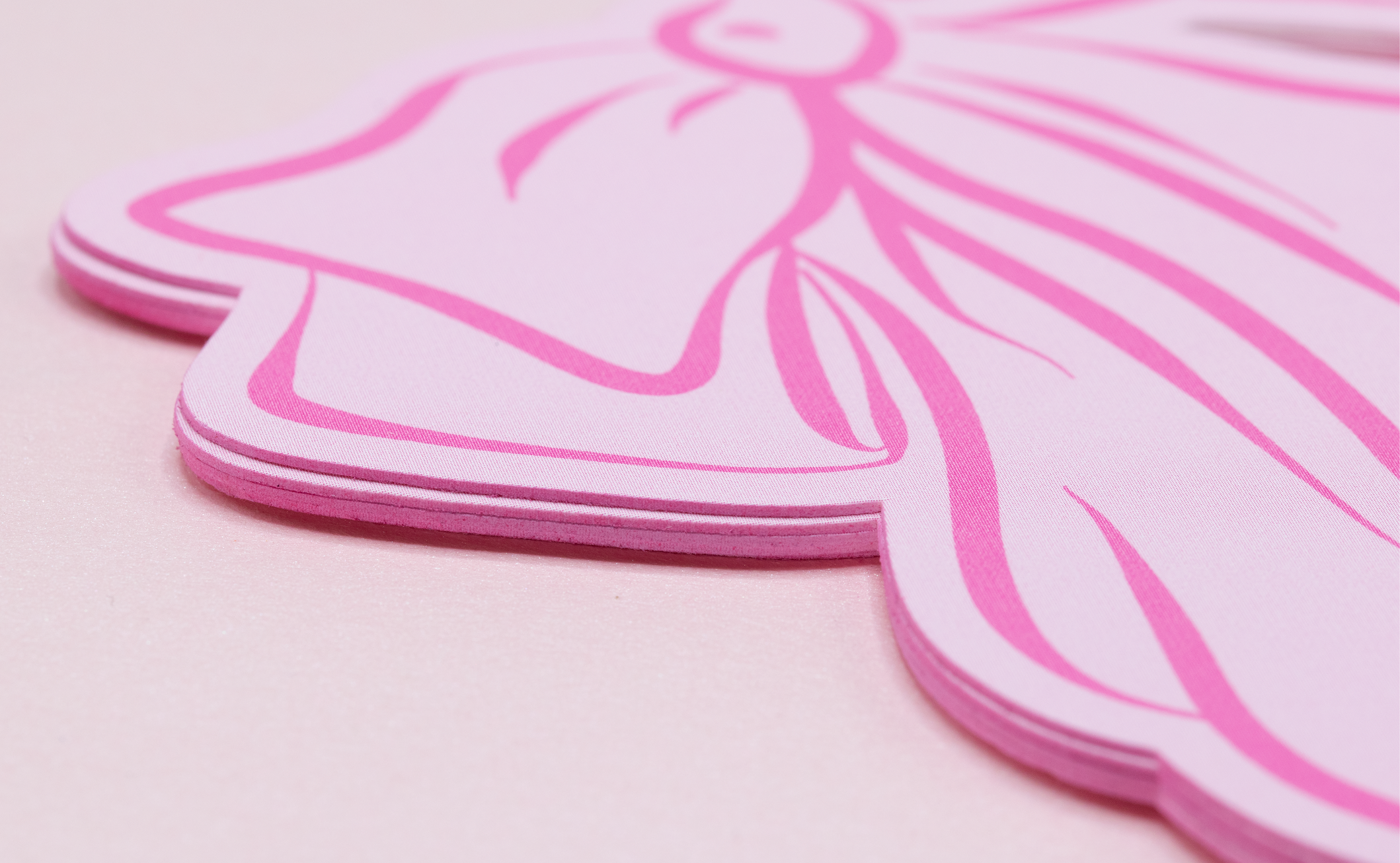
Edge Color isn’t just for square cards!
Use edge color to add extra flair to your already-unique die cut card. If bright white edges don’t fit the aesthetic, edge color is the perfect final touch to tie the card together.
Edge color can be added to almost all custom shapes. The only exceptions are interior cutouts and narrow spaces or undercuts. If you have a shape you’re not sure about, feel free to email us your file and we’ll check if it will work with edge color.
Choose from one of our standard edge colors or have us mix a custom Pantone or CMYK color.
OUR STANDARD EDGE COLORS
How to Order
Pricing for custom cutting is based on the size and complexity of the shape.
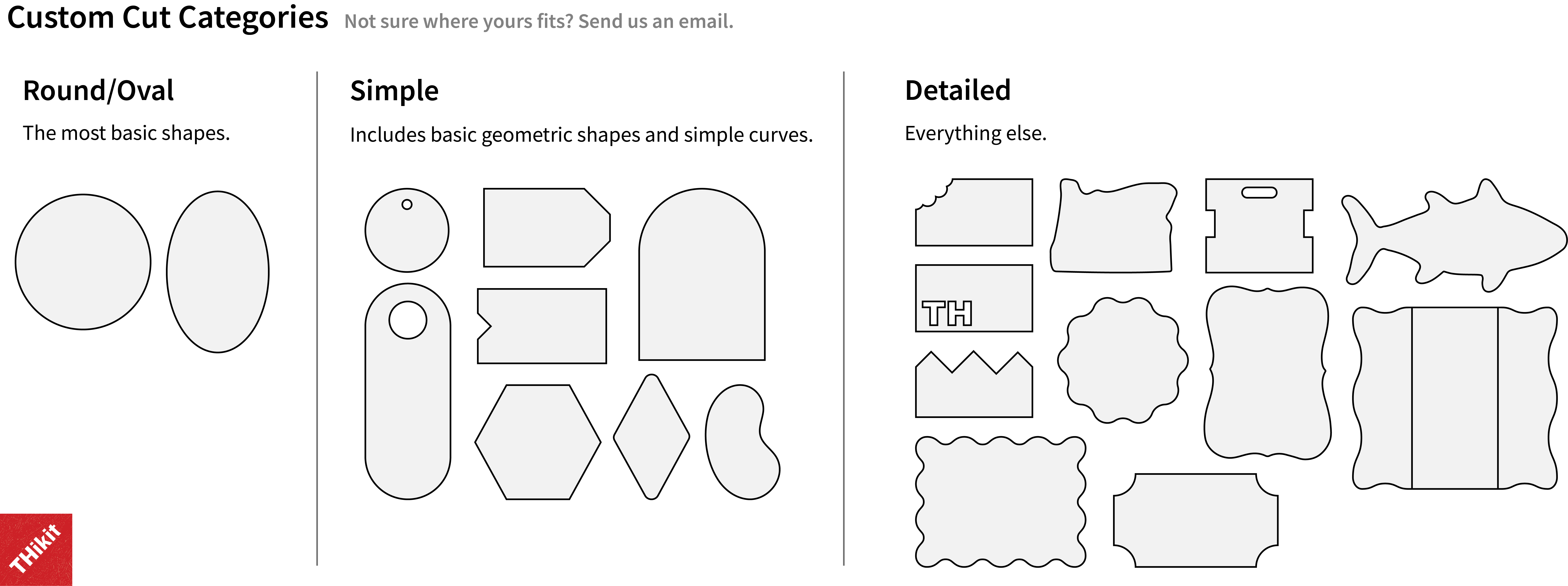
Complexity is broken down into three categories.
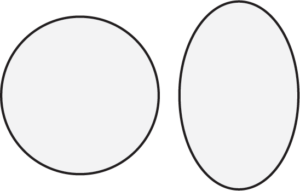
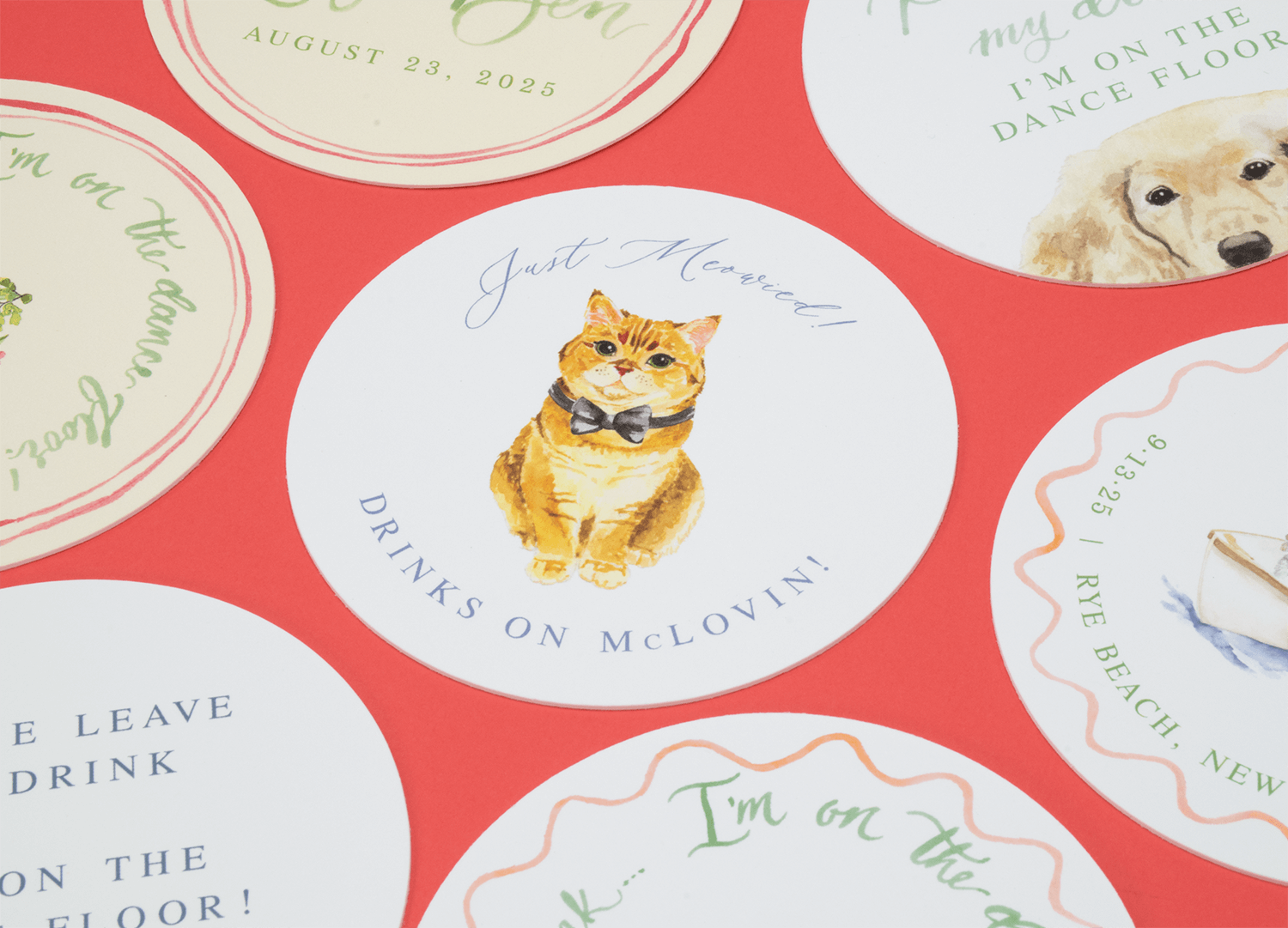
- Round – Circle or oval.
- Simple – Basic geometric shapes and very simple curves.
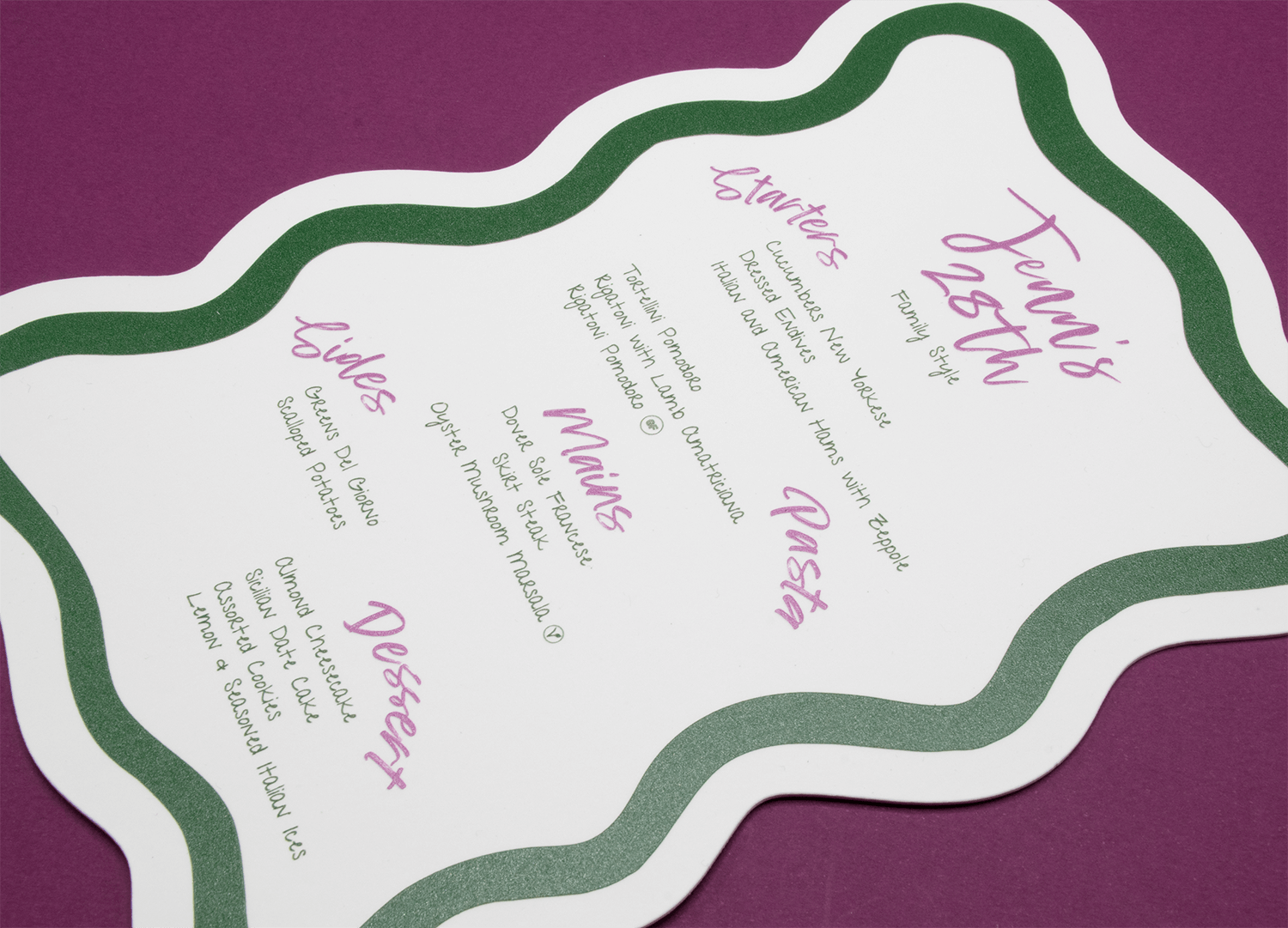
- Detailed – Everything else. Includes more complex shapes like waves, scalloped edges, and other custom shapes.
For the size, determine the area of the card that has custom cutting. If only a small area has a custom cutout, enter the approximate dimensions of that area. If the entire card is cut out, enter the full dimensions of the card.
Not sure where yours fits? Send us an email.
Round/Oval
A circle or oval.
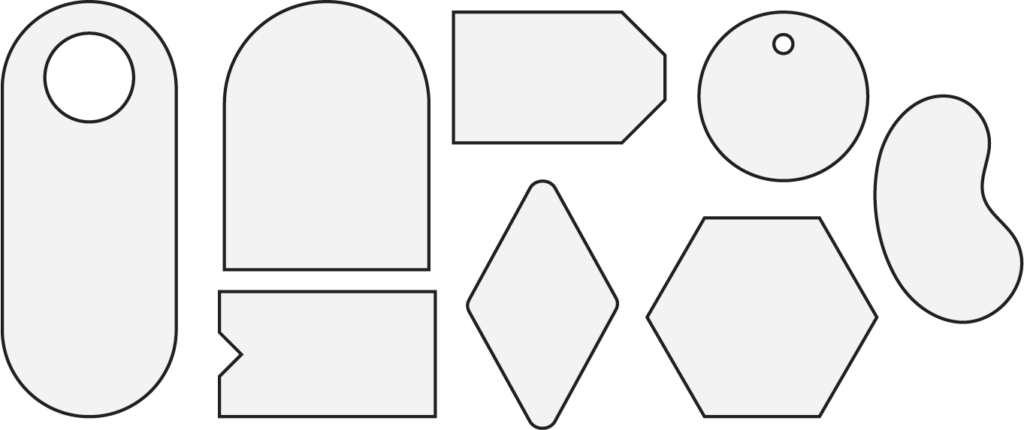
Simple
Includes basic geometric shapes and simple curves.
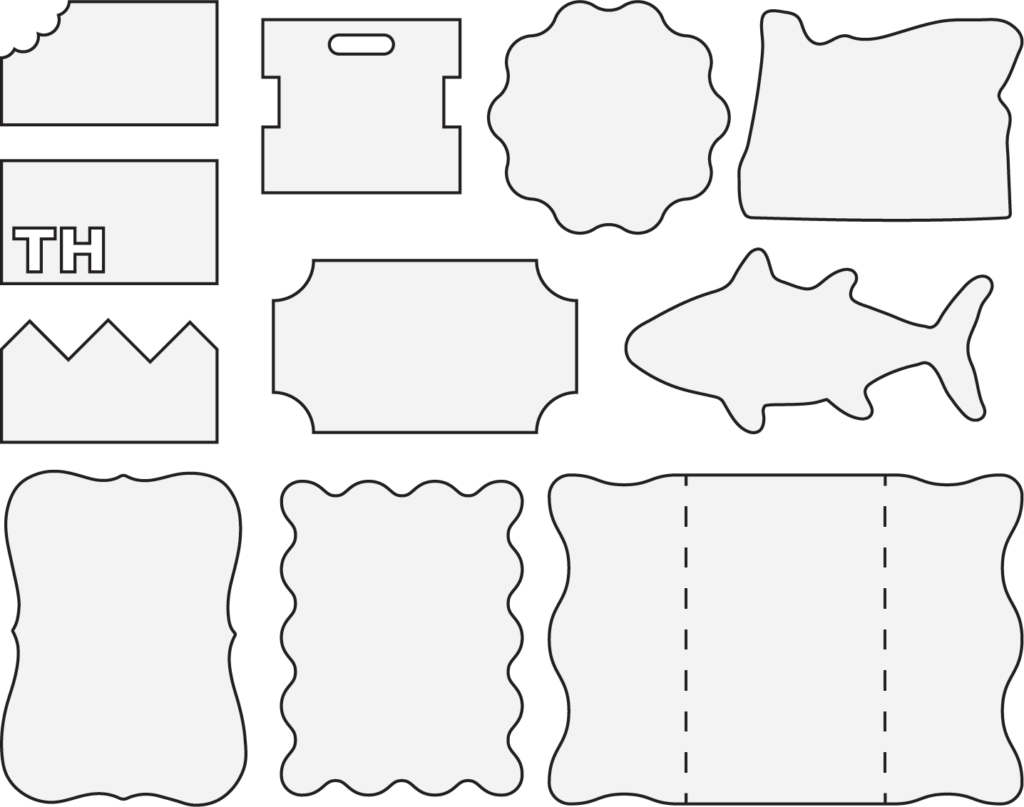
Detailed
Everything else.
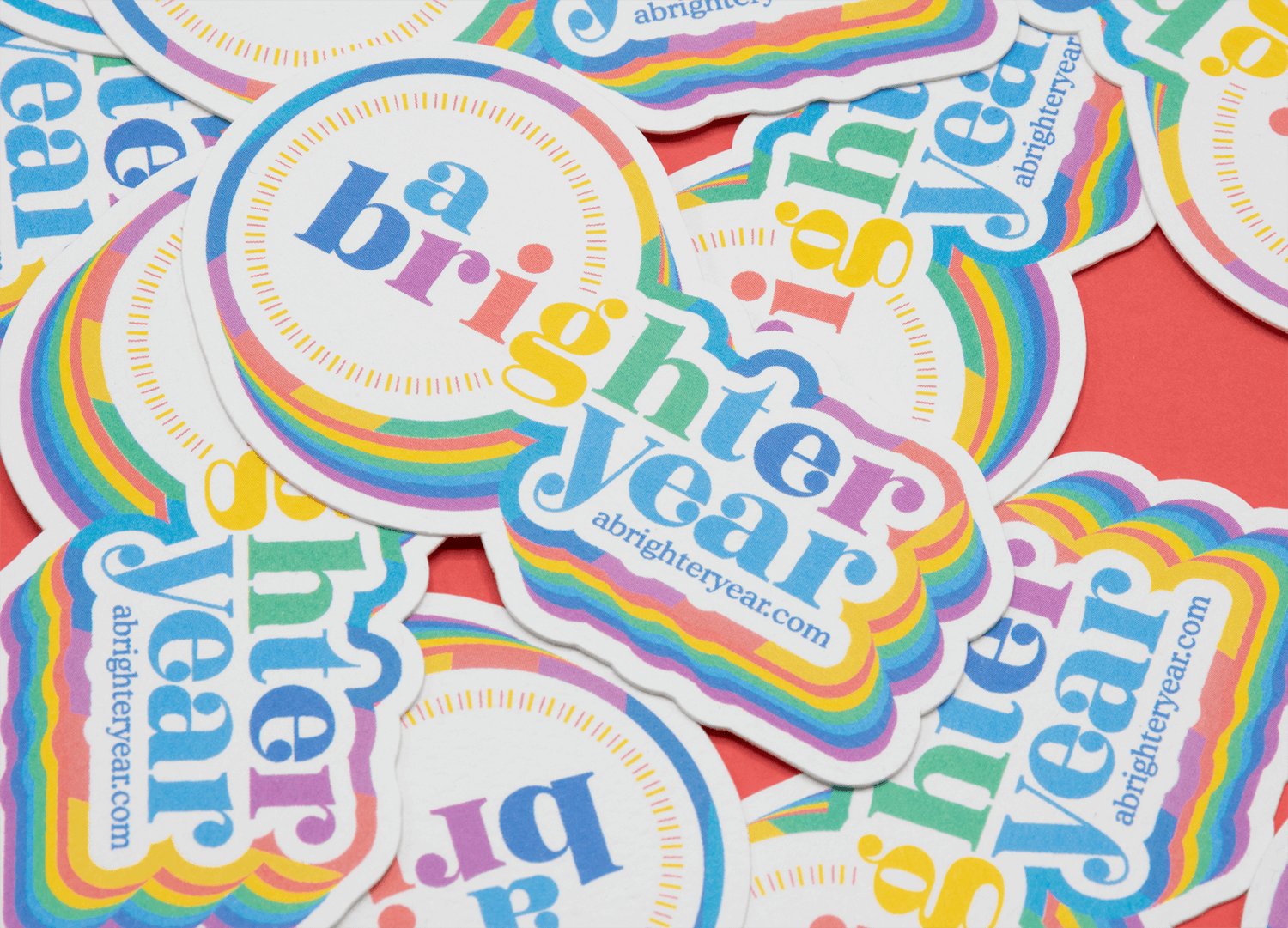
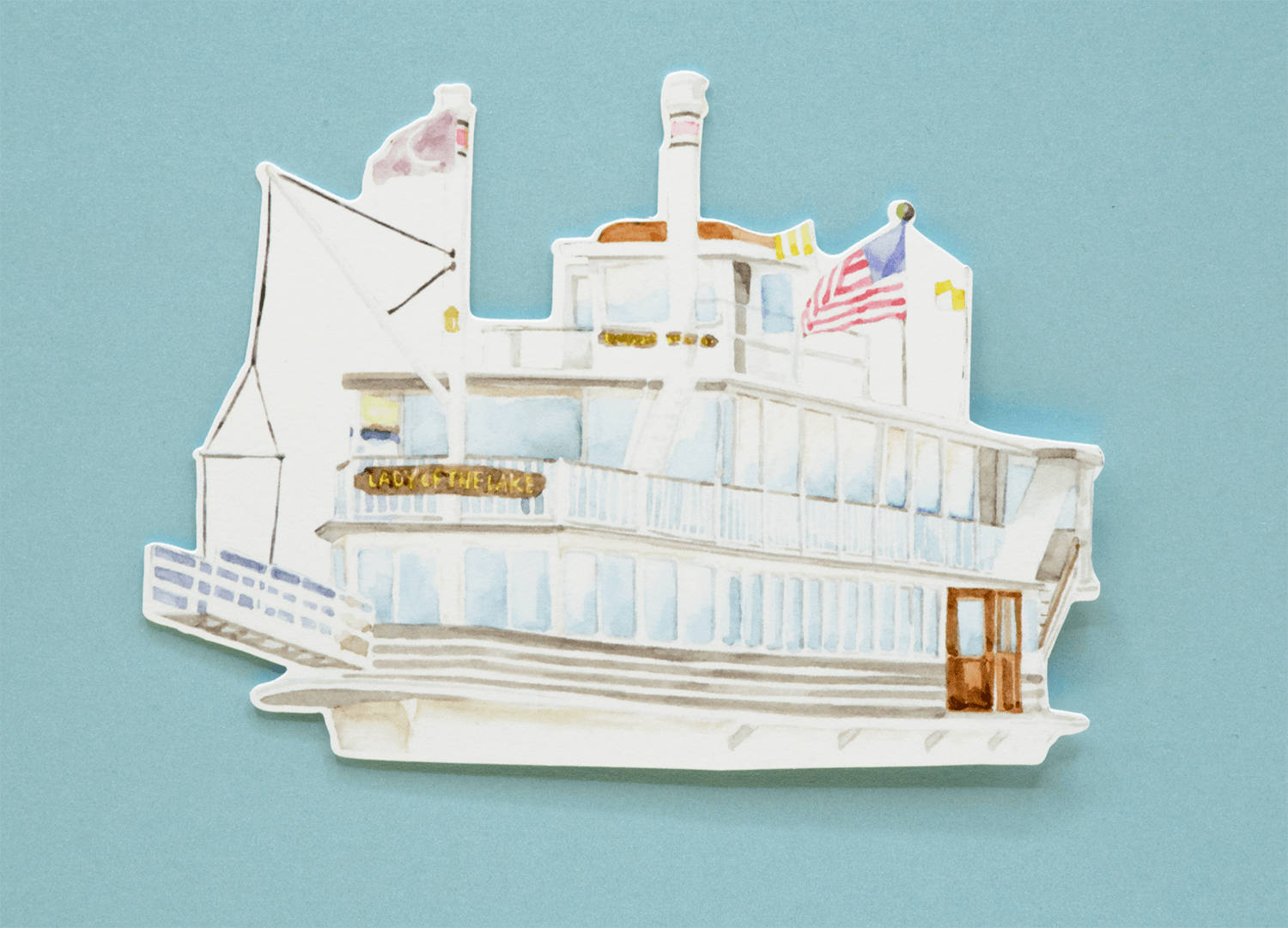
Get Inspired
Got a Question about Custom Die Cutting?
-
What is the turnaround time for custom cut cards?
Production takes about 4-7 business days for most orders. However with digital cutting, each card is cut individually and the more complex the shape, the slower the knife must cut. This causes production time to vary greatly depending on the quantity and complexity of the order.
-
What if I just want a custom size rectangle?
If all you need is a custom sized rectangular card, there’s no need to add Custom Cutting to your order. Simply select the next size larger from what you need and specify the actual size in the order notes.
-
How detailed can the cutting be?
The smallest diameter hole we can cut is about 0.1”. We recommend smoothing out sharp corners. If you’re not sure about your design, please send us an email with your design and we’ll take a look.
-
What custom cut category should I choose?
We divide custom shapes into 3 categories for pricing purposes. Round for circles and ovals only, Simple for very basic shapes, and Detailed for everything else.
If you’re not sure which category your design fits into, email us your file and we’ll let you know.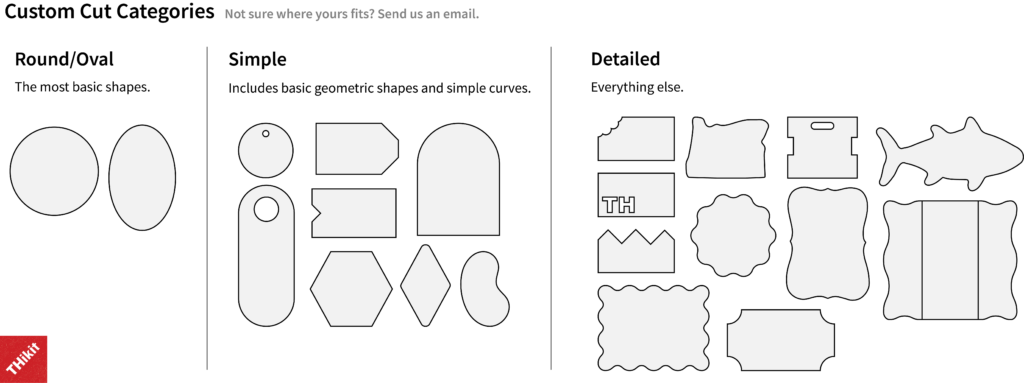
-
What is custom cutting?
We use a digital cutting machine for our custom-cut cards(think large-scale Cricut). This is different from using an actual metal die or laser cutting. Digital cutting is much quicker and more cost-effective for smaller quantities than manufacturing a metal die.
File Preparation
4-Color Print
Die Cut Shape
Final Design
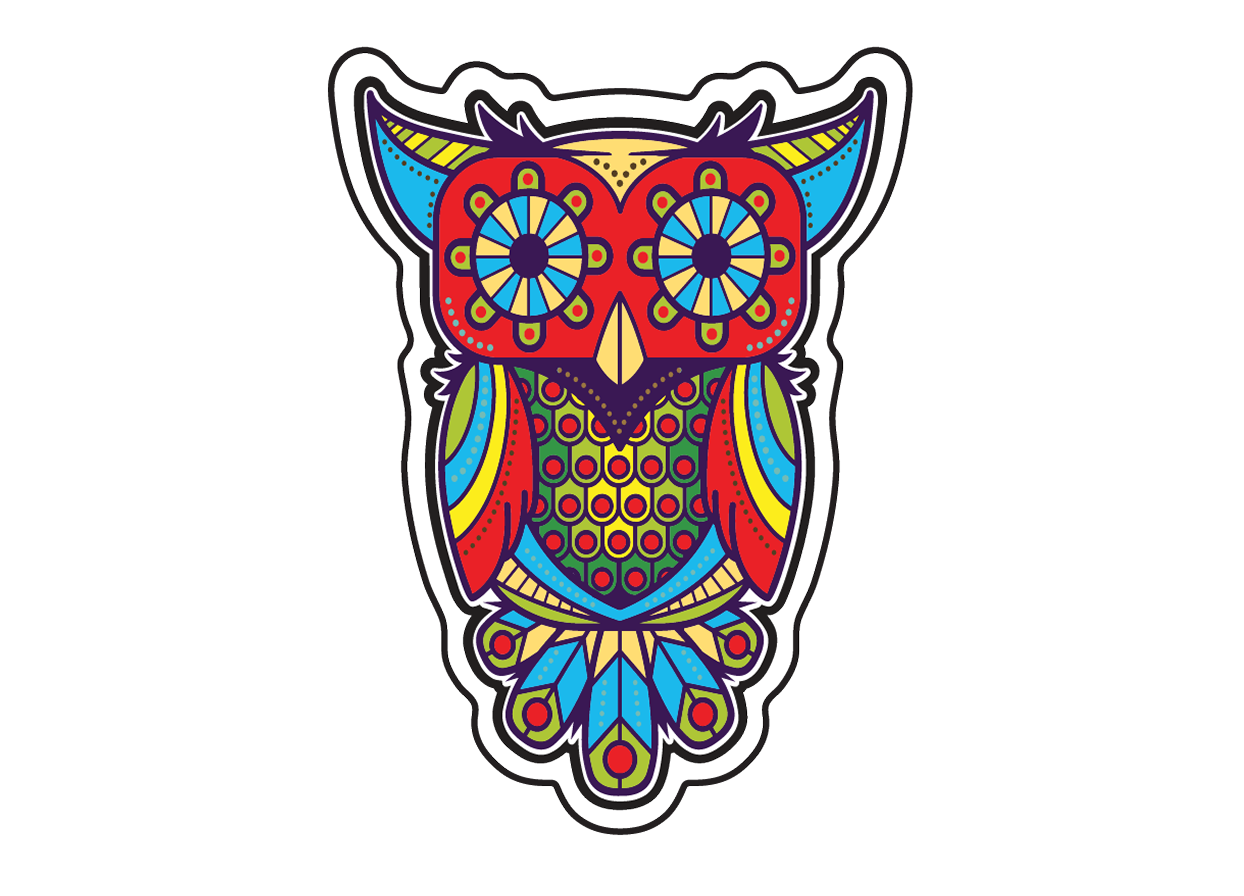
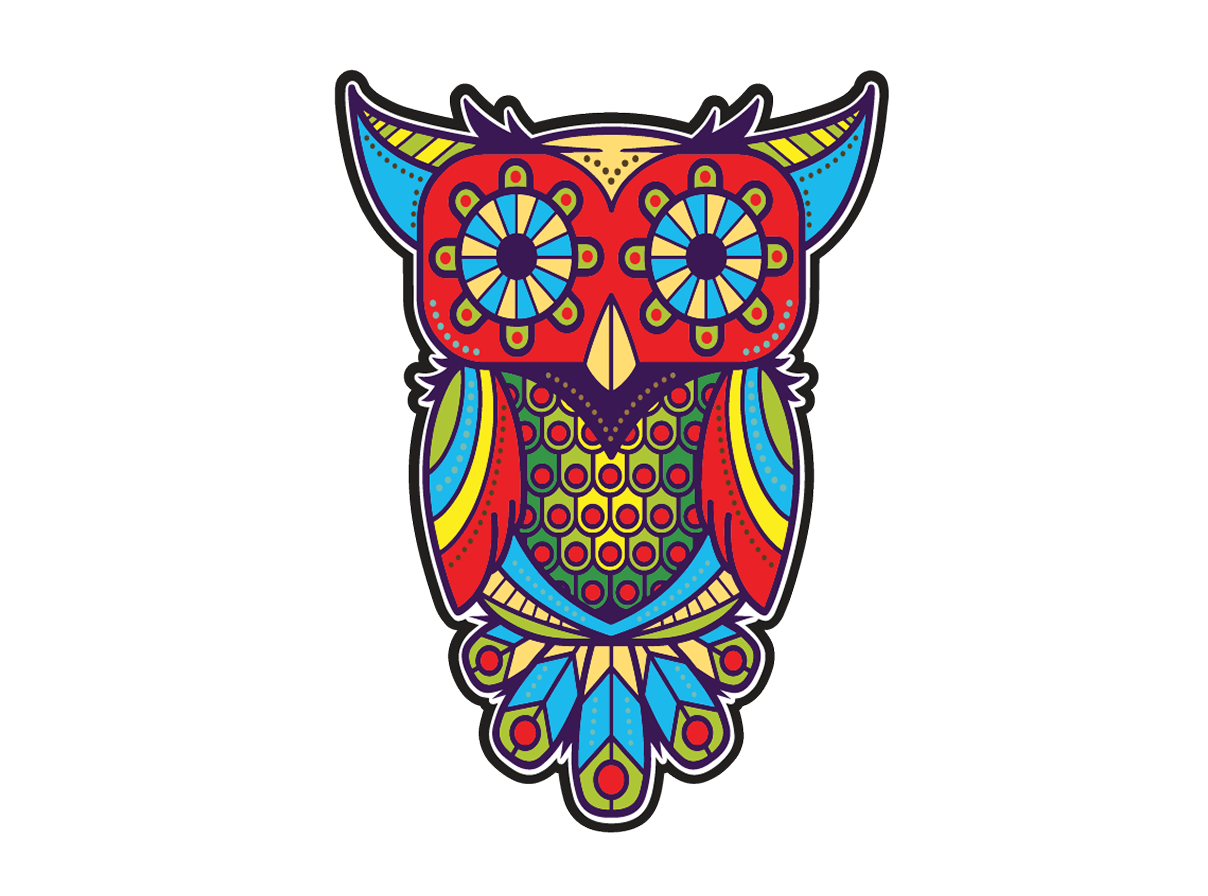
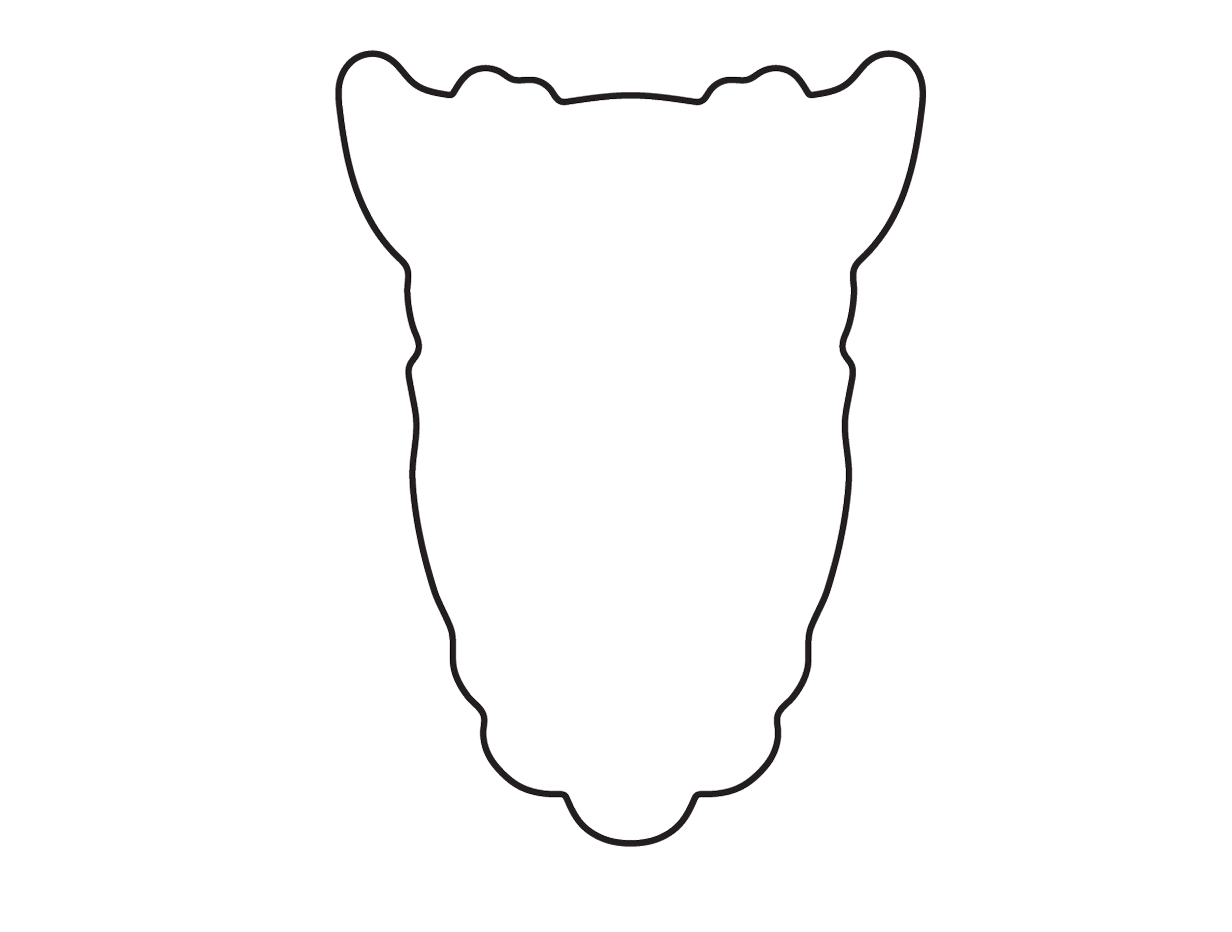
Please prepare two separate files: one with just your design elements and one with the die cut line.
It’s also helpful to include a file or mock up with the cut line and design elements together so we know the placement.